Support

Design Services
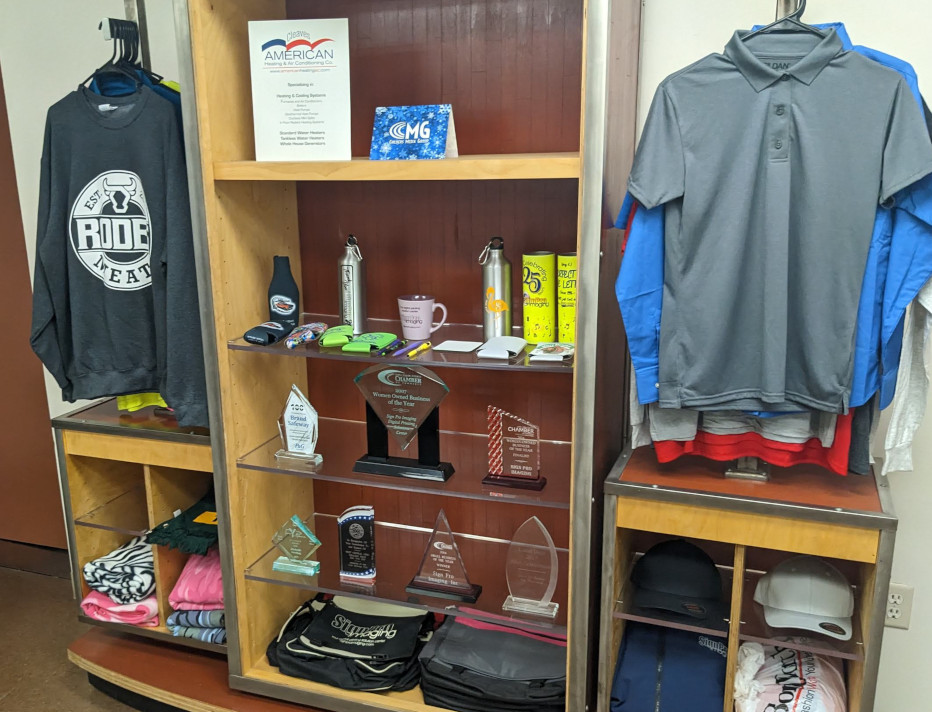
Branding
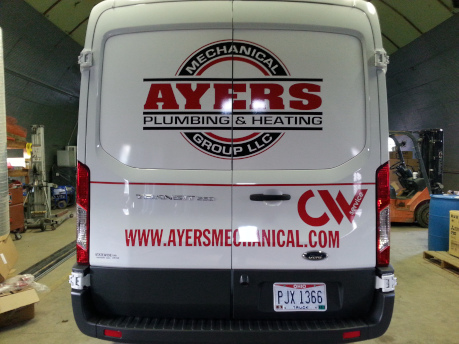
Vehicle Graphics
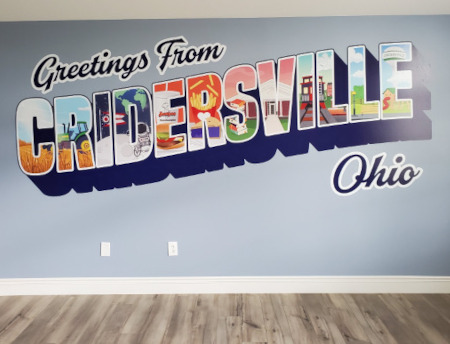
Indoor Signage

Outdoor Signage
Support
At Sign Pro Imaging, we are here for you! We strive to provide excellent customer service! Please let us know how we can help to serve you better!
The following guide will assist in providing us with artwork for all your printing needs. Further questions can be answered by calling us at 419-222-7767.
Software
Currently, Sign Pro Imaging uses Adobe Creative Cloud. Vector files should be saved in CS format.
Raster Files
When printing raster files we print .jpg files. When providing raster artwork we print .jpg files. We require full size images with a resolution of 100dpi.
Images from the web, unless from a stock photography site, are unusable. The resolution and size of these images don’t provide enough quality to print, and almost all of these images are copyrighted images.
If the image does not need manipulated, we prefer a full scale .jpg file with a resolution of 100dpi. If the final product is not going to be viewed up close, a lower resolution will work. If we may need to make changes please provide the original, layered Photoshop document.
Vector Files
When printing vector files we print .eps files. If providing us with artwork that is ready to print with no changes, .eps files are recommended. We suggest that all fonts have been converted to outlines or the font files provided. A .pdf of the final artwork is also recommended, especially if images or fonts are not provided.
If the artwork needs editing or design work by us, we recommend .ai files. Please keep all fonts as live text, and provide us with the fonts we may need for the project. If there are placed images in the file they must be submitted separately following the raster guideline for .jpg size and dpi. When submitting vector artwork please make sure the art inside of the file is actually vector. Taking a .jpg file and exporting it as an .eps is the same equivalent of providing us with a .jpg. If you are unsure if your files are vector we can assist you. We recommend making your overall document size an inch or two larger than the final artwork. Also, objects in the document that are not supposed to be printed should not be in the file. All artwork must also be trimmed so that nothing falls outside of the final document size.
Sending Artwork
Email
If the files you are sending are less than 10MB they can be emailed to us at michelle@signpro-lima.com.
Large Files Upload
If the files are large, they must be sent via the contact form below.
File Types & Other Specs
.png,You may also provide your artwork via USB flash drives/thumb drives, and memory cards (i.e. SD Cards).
File Types
.psd, .jpg, .tif, .bmp, .png, .gif – acceptable raster file at 100 dpi @100%.
.ai – acceptable vector art.
.pdf – acceptable as vector and raster at 100 dpi @100%.
.eps – acceptable as vector and raster at 100 dpi @100%.
.indd – acceptable if packaged with images and fonts.
.svg – usually acceptale as vector.
Submitting artwork as Microsoft Word, Microsoft Powerpoint,
Microsoft Publisher, and Microsoft Excel is unacceptable. None
of these programs handle graphics well, and are not made to print artwork from.
Color
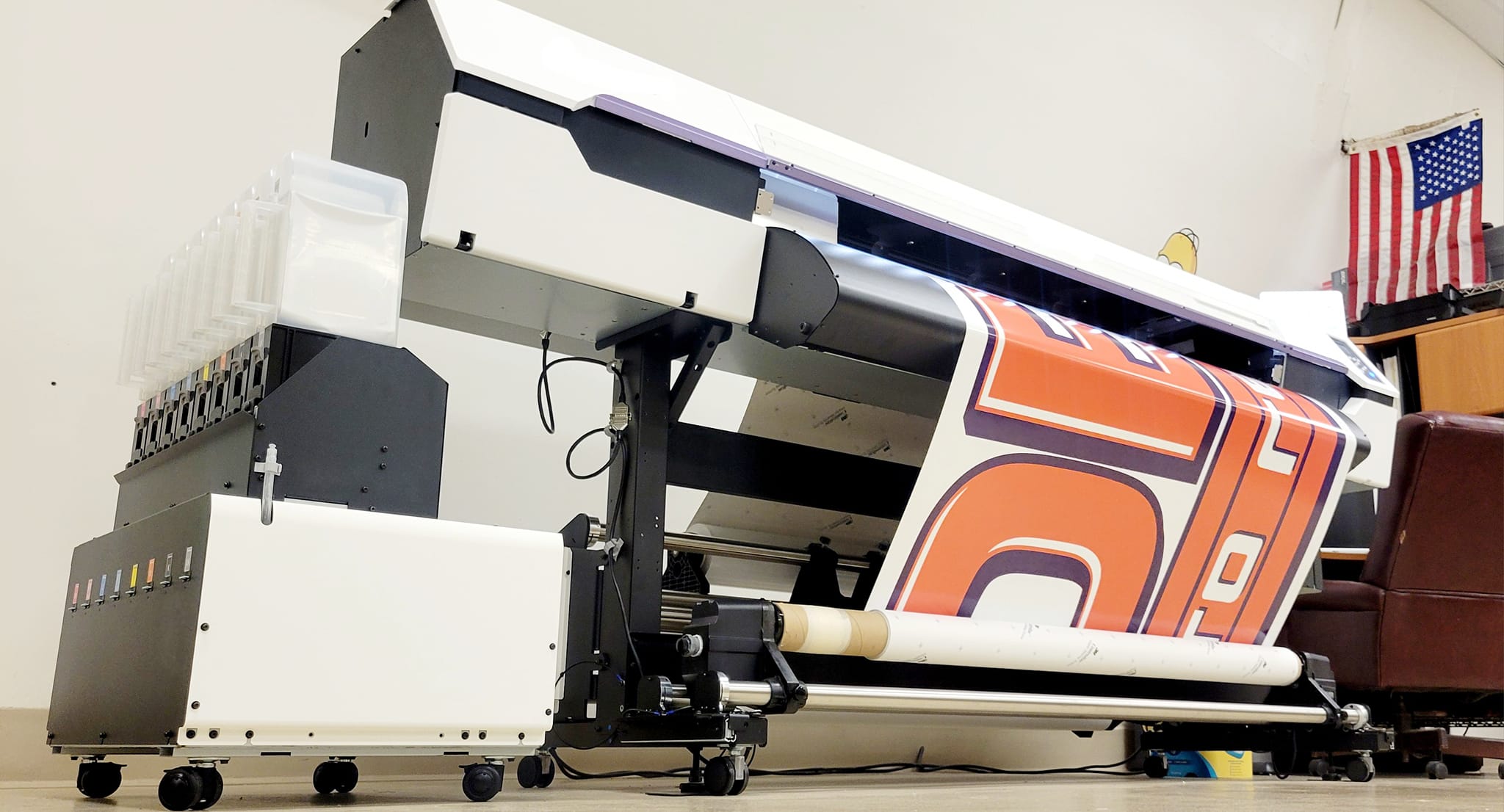
We print 6 color now: “6 color printing” refers to a printing process that uses six different ink colors to produce a wider range of colors compared to the standard four-color CMYK process, typically adding orange and green inks to create a more vibrant and accurate color palette, also known as “Hexachrome” printing.
Digital Printing vs. Cut Vinyl vs. Screen Printing
Most signage we make is digitally printed. Digital printing gives you the flexibility of unlimited colors, including full color imagery.
Cut vinyl is used for things such as window lettering. Most cut vinyl is used in 1 or 2 color jobs. With cut vinyl, each individual color is a separate layer that is applied to the signage.
Screen printing is used for signs ordered in large quantities, apparel and promotional items.
Digital transfers are used for small quantity apparel.
Stationary and office products are either printed using the offset press or digitally.